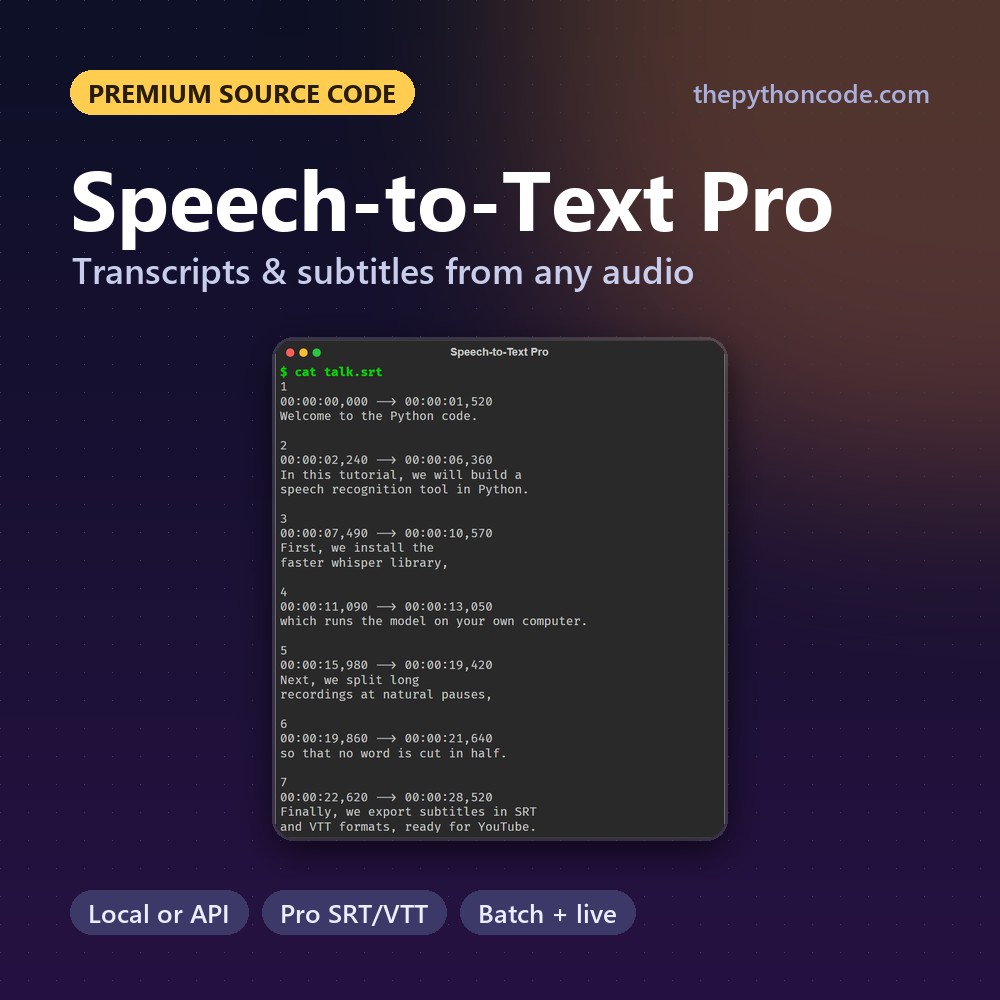
Speech-to-Text Pro
Transcripts and subtitles from any audio or video in Python, locally or with the OpenAI and Groq APIs.
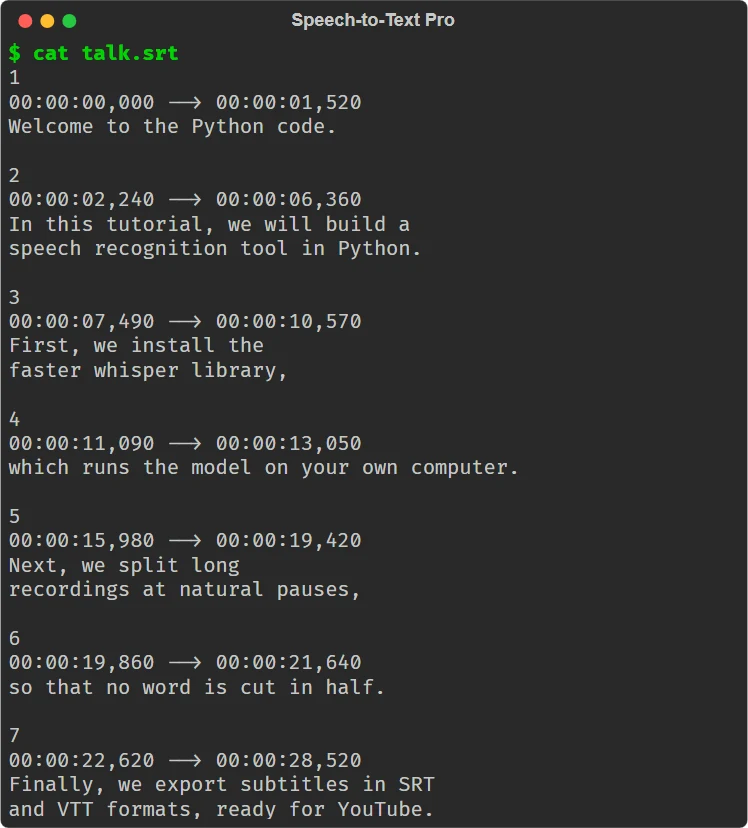
The complete version of our speech recognition tutorial: transcribe any audio or video with a local Whisper model (free and private) or the OpenAI / Groq APIs, split long recordings at natural pauses, get professional SRT/VTT subtitles, batch whole folders with resume and caching, and dictate live from your microphone.
Upgrades the free tutorial: How to Convert Speech to Text in Python
What makes it “Pro”
Everything the tutorial leaves as an exercise, done properly.
Local or API
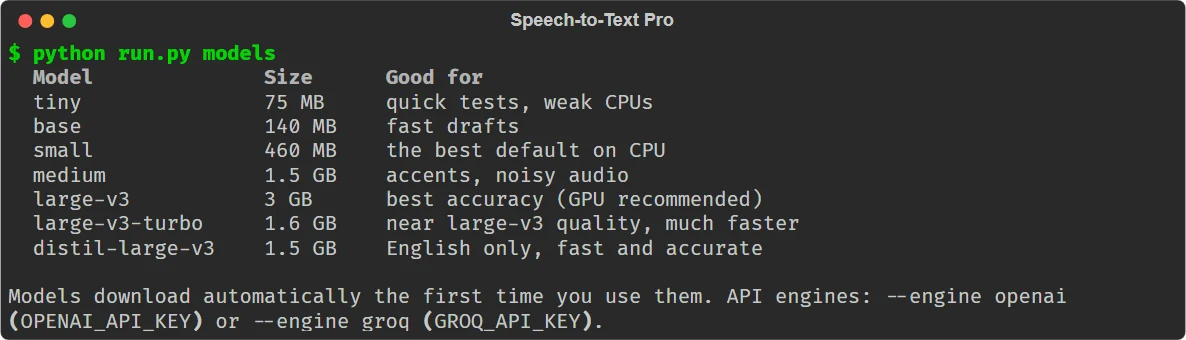
faster-whisper on your CPU/GPU, or OpenAI and Groq, behind one interface.
Any length
Long files are split in the middle of pauses, uploaded in parallel and stitched back.
Subtitles done right
42 characters a line, 2 lines, balanced breaks, no orphan words, no overlaps.
Batch folders
Whole folders with a progress bar; interrupted batches resume, results are cached.
Live dictation
Voice activity detection cuts speech into utterances and transcribes as you talk.
Accuracy helpers
Prompts for names, a glossary of corrections and filler-word removal.
6 formats
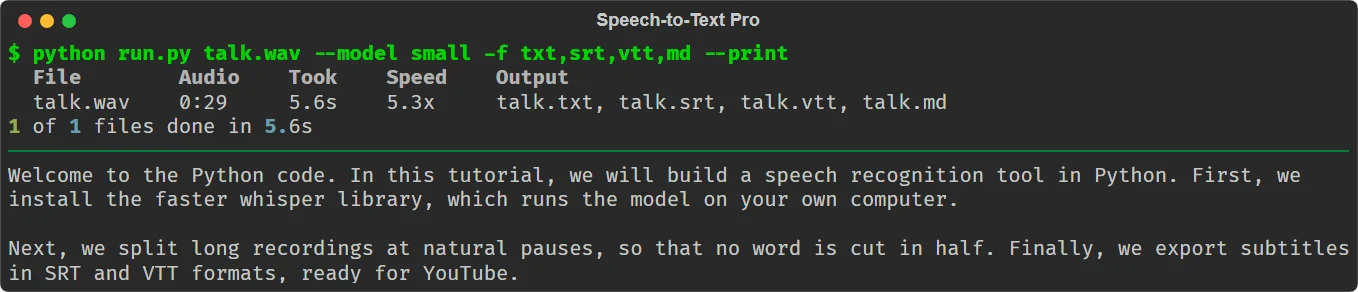
TXT with paragraphs, SRT, VTT, Markdown, JSON with word timings, TSV.
Tested
9 pytest tests, including a mock OpenAI server for chunking and retries.
Screenshots
Real output of the tools. Sample data is used wherever a screenshot would show private information (networks, emails, processes).
Free tutorial vs. Speech-to-Text Pro
The tutorial is great for learning the basics. This is the version you'd actually ship.
| Free tutorial | Speech-to-Text Pro | |
|---|---|---|
| Engines | One at a time | Local, OpenAI and Groq, same commands |
| Long audio | Manual | Split at pauses, parallel, stitched |
| Subtitles | Basic SRT | Broadcast rules, SRT + VTT |
| Batch + resume | — | ✓ with a result cache |
| Live dictation | Record then transcribe | Continuous, with VAD |
| Retries on API errors | — | ✓ with back-off |
| Tests | — | 9 pytest tests |
A peek at the code
Clean, commented, modular Python. Here's the start of stt_pro/transcript.py:
def make_cues(t: Transcript, max_chars: int = 42, max_lines: int = 2, max_duration: float = 6.0,
              min_duration: float = 1.0, gap: float = 0.08) -> List[Cue]:
    """Subtitle cues following common broadcast rules. Uses word timestamps
    when available; otherwise splits segment text proportionally."""
    units: List[Word] = []
    for s in t.segments:
        toks = s.text.split()
        words = [w for w in s.words if w.text.strip()]
        if words and len(words) == len(toks):
            # timing from the word list, text (with punctuation and casing) from the segment
            units.extend(Word(w.start, w.end, tok, w.prob) for w, tok in zip(words, toks))
        elif words and len(words) >= 0.8 * len(toks):
            units.extend(Word(w.start, w.end, w.text.strip(), w.prob) for w in words)
        else:
What's inside
- Full source code (≈1,250 lines, 7 modules)
- Local, OpenAI and Groq engines
- README with an architecture guide
- 9 unit tests (pytest)
- Free updates + commercial-use license
Get all 5 tools for $29
The Python Tools Pro Pack includes Speech-to-Text Pro plus our other premium tools, for $29 instead of $65 when bought one by one.
What's in the pack?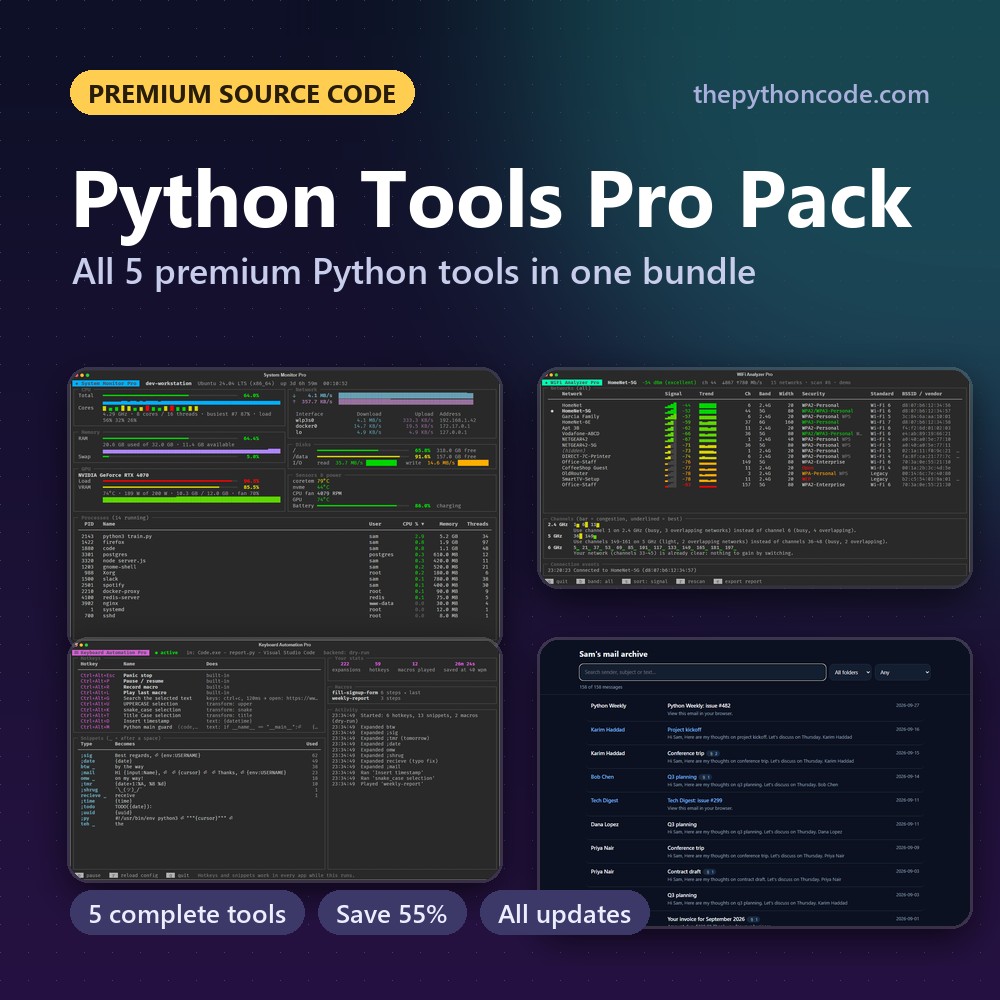
FAQ
What do I need to run it?
Python 3.8 or newer with faster-whisper, numpy and rich. ffmpeg is recommended to read every audio/video format. The local engine runs on any modern CPU (a CUDA GPU is used automatically); API engines need an OpenAI or Groq key.
How do I get the files after paying?
You're sent straight to your download page, and we email you the link too. The link keeps working, so you can re-download updated versions later. Lost it? Recover your downloads with your email.
Is this beginner-friendly?
If you've followed our free tutorial, yes. The code is split into small, commented modules, and the README walks through the architecture. It's the ideal next step after the tutorial.
Can I use it in my own projects?
Yes. You can modify it, learn from it, and ship your own tools and apps built on it, even commercially. The only thing you can't do is redistribute or resell the source code itself.
What if it's not for me?
Email us within 14 days and we'll refund you. No questions asked.
Get Speech-to-Text Pro now
$14 one-time. Instant download, free updates.
More premium source code
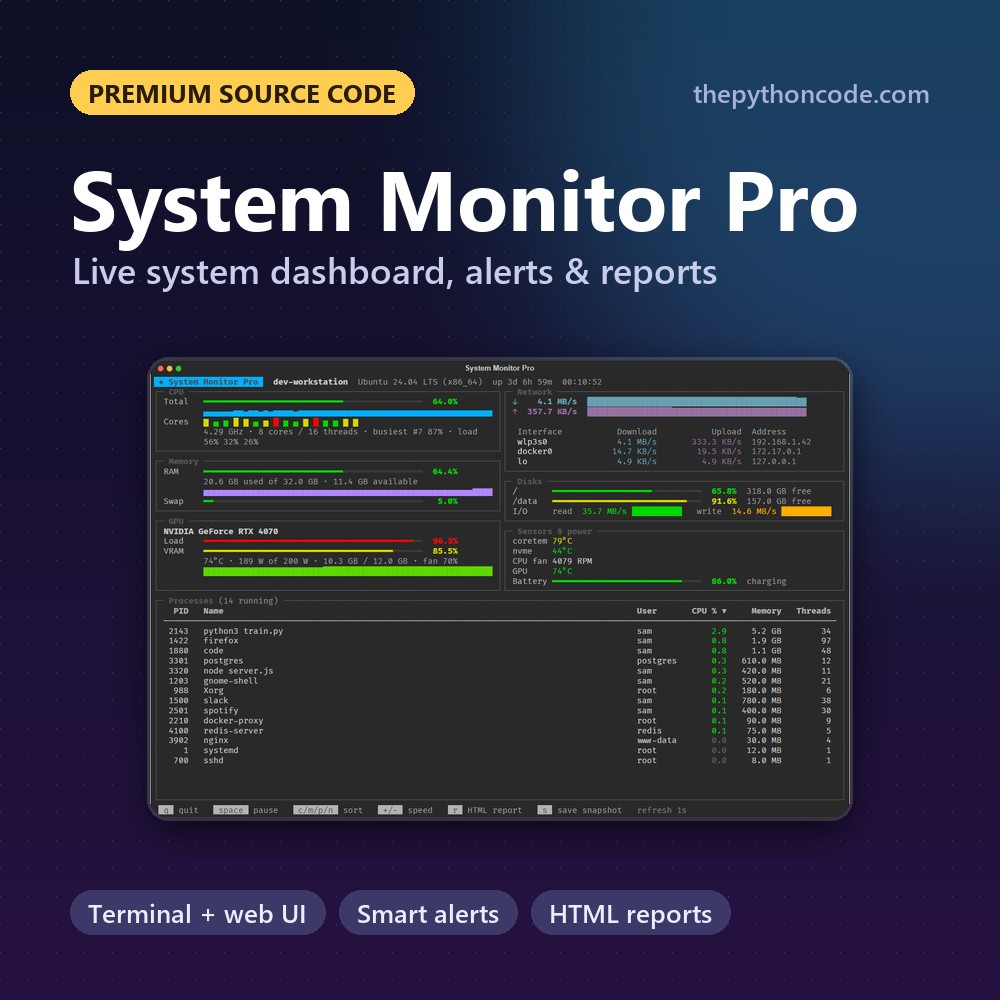
System Monitor Pro
A live system dashboard in Python: terminal and web UIs, smart alerts, recordings and HTML reports
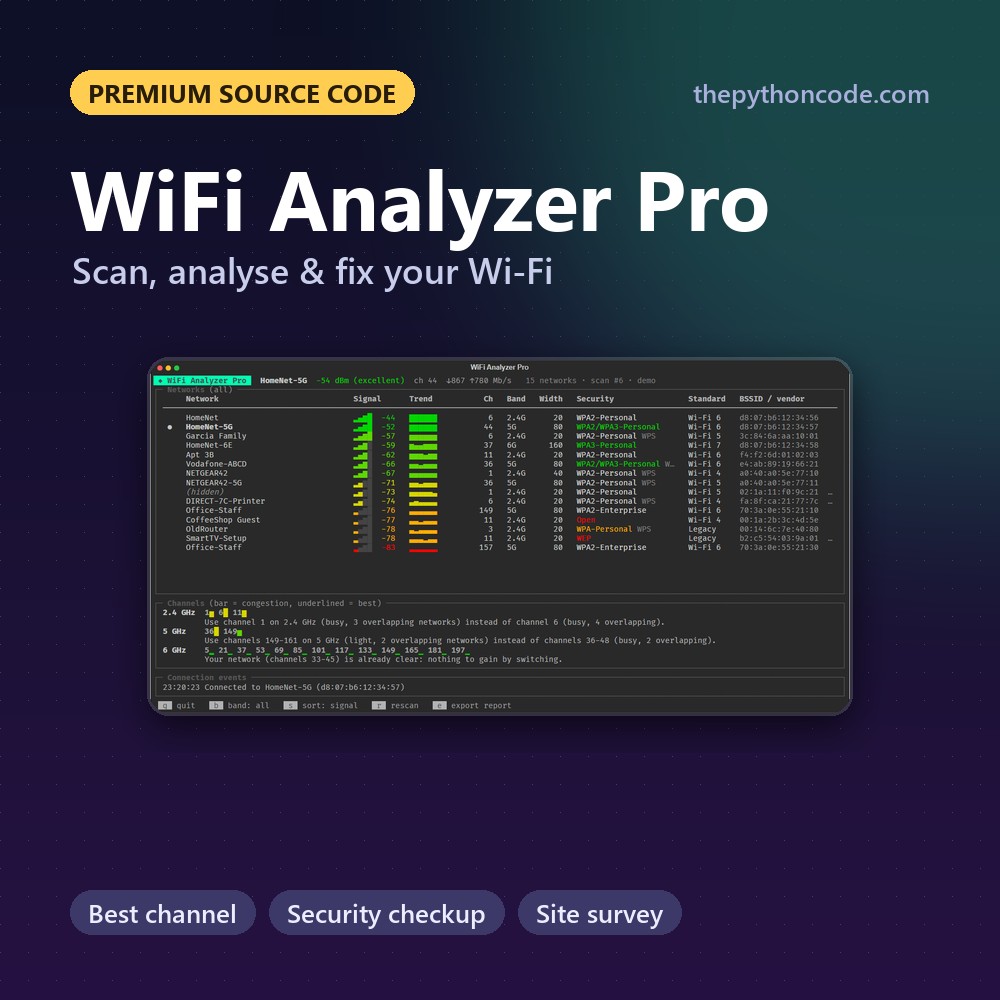
WiFi Analyzer Pro
Scan, analyse and improve your Wi-Fi in Python: best channel, security checkup, site survey and reports
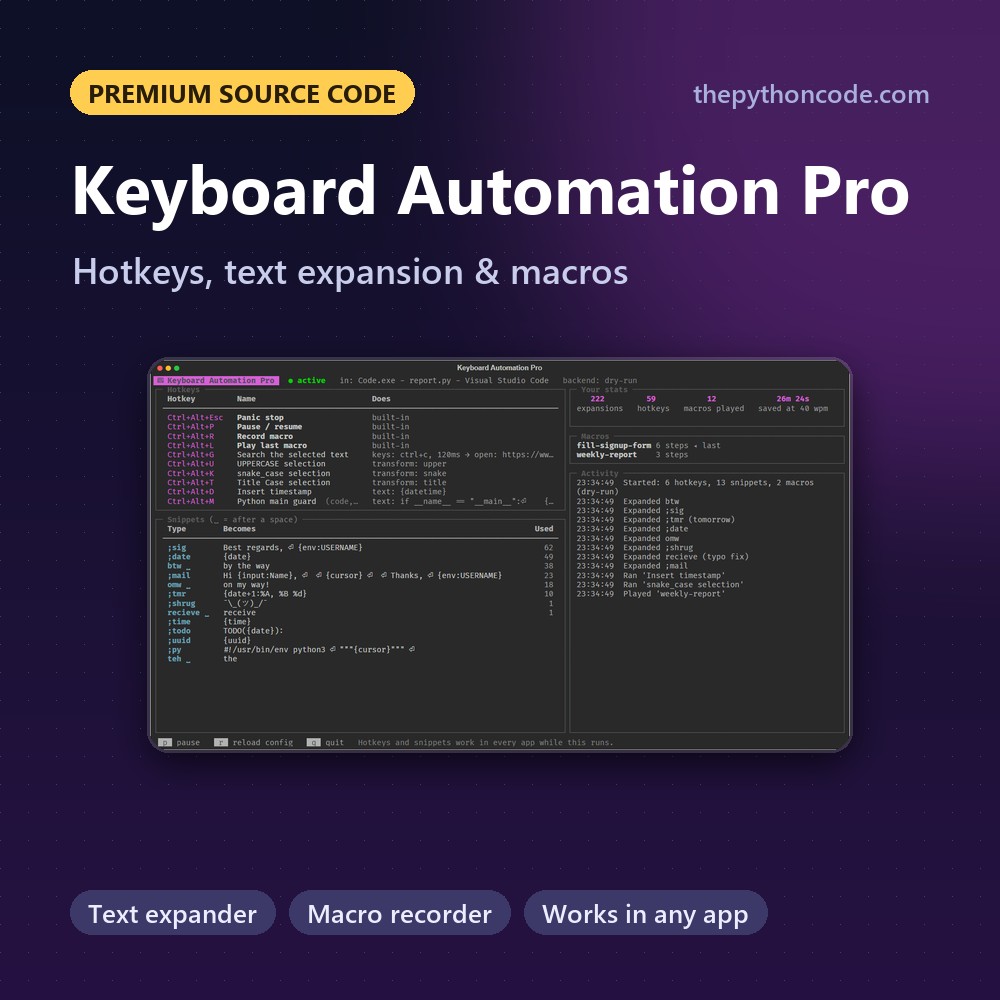
Keyboard Automation Pro
Global hotkeys, a text expander and a macro recorder in Python that work in every app
Email Toolkit Pro
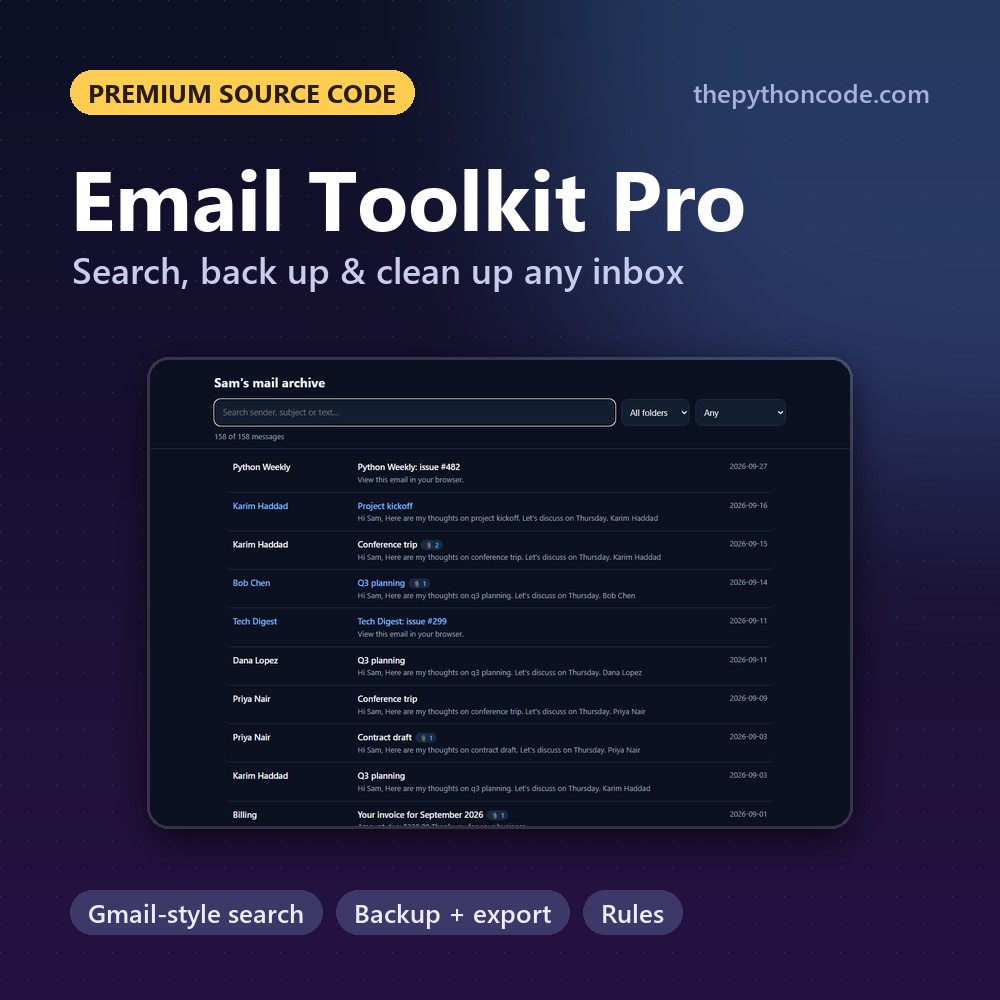
Search, back up, export and clean up any IMAP mailbox in Python, with Gmail-style queries and rules

Game Dev Pro Pack
All five premium Python games in one download: Tetromino, Flappy Wings, Chess, Snake and Platformer Pro