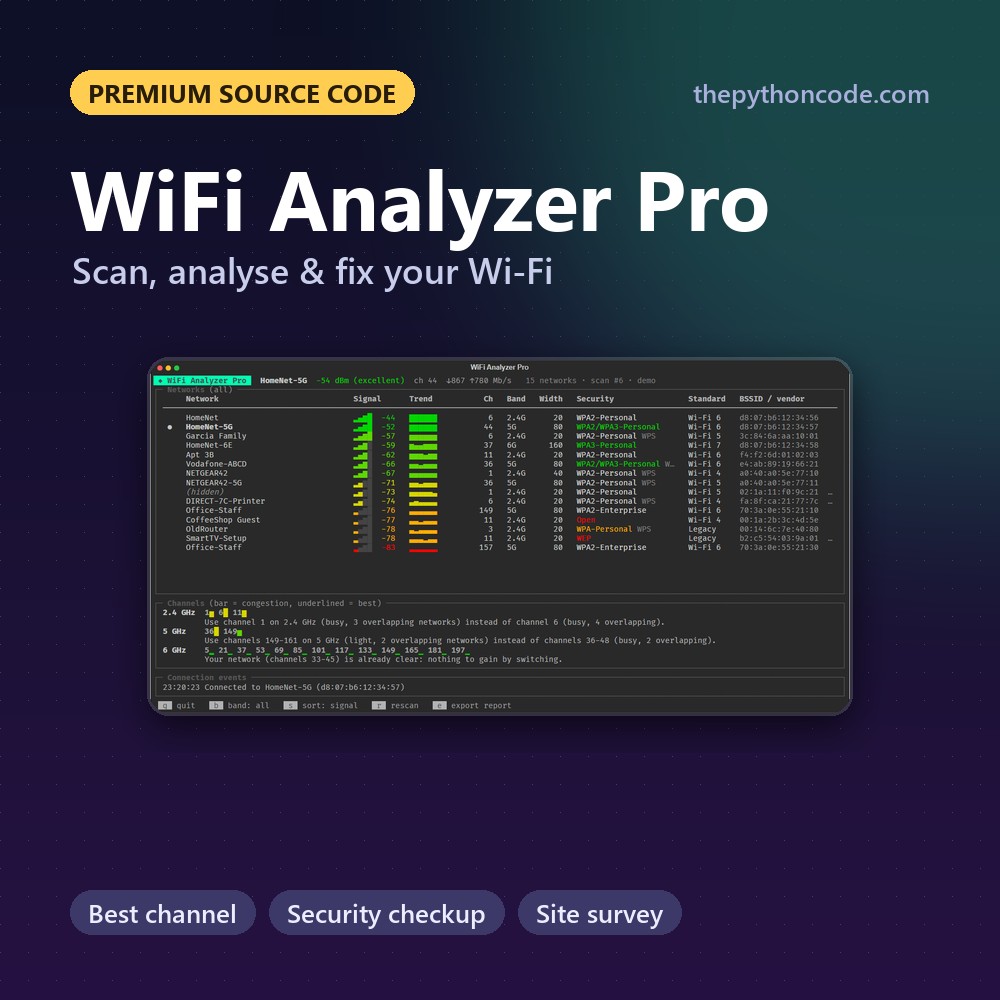
WiFi Analyzer Pro
Scan, analyse and improve your Wi-Fi in Python: best channel, security checkup, site survey and reports.
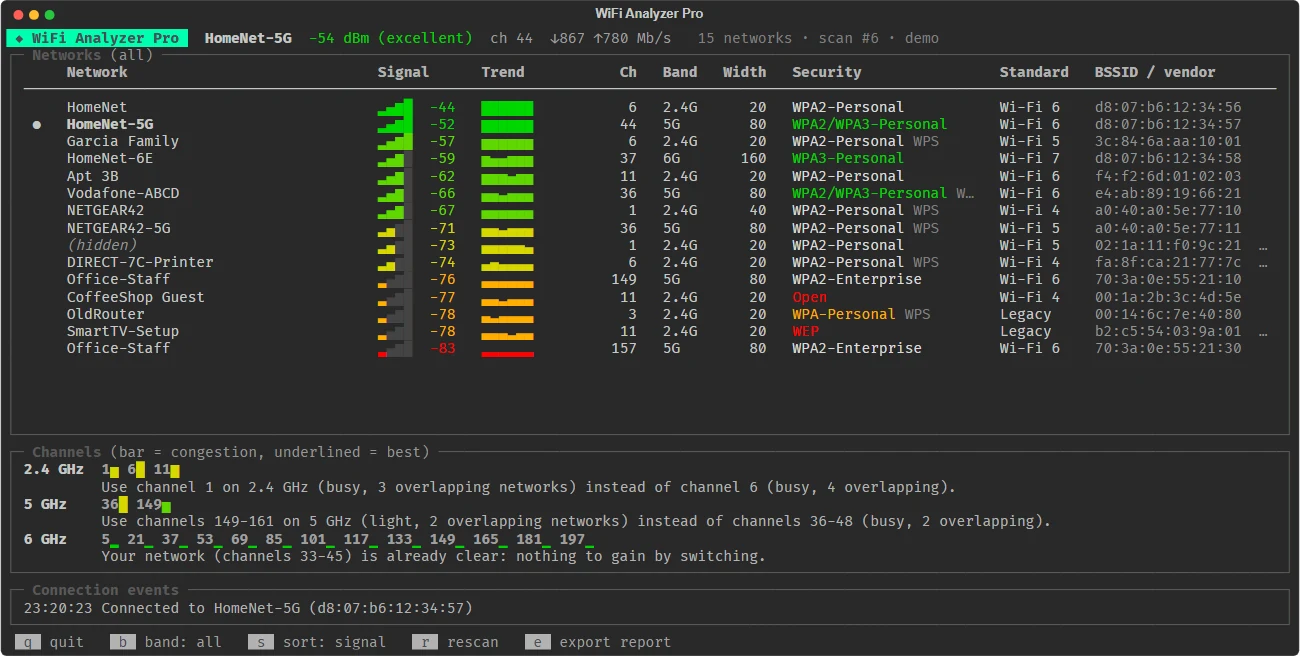
The complete version of our Wi-Fi scanner tutorial, without monitor mode or root: it uses the operating system's own Wi-Fi APIs (the native WLAN API on Windows, NetworkManager on Linux, system_profiler on macOS) to list every network with its real signal, security and Wi-Fi generation, finds the least congested channel for your router, checks your networks' security and measures your signal room by room.
Upgrades the free tutorial: How to Build a WiFi Scanner in Python using Scapy
What makes it “Pro”
Everything the tutorial leaves as an exercise, done properly.
Real signal, no monitor mode
Exact dBm from the native Windows WLAN API (ctypes), nmcli on Linux, system_profiler on macOS.
Beacon decoding
WPA3 vs WPA2 vs transition mode, Enterprise, OWE, PMF, WPS, Wi-Fi 4/5/6/7 and channel width.
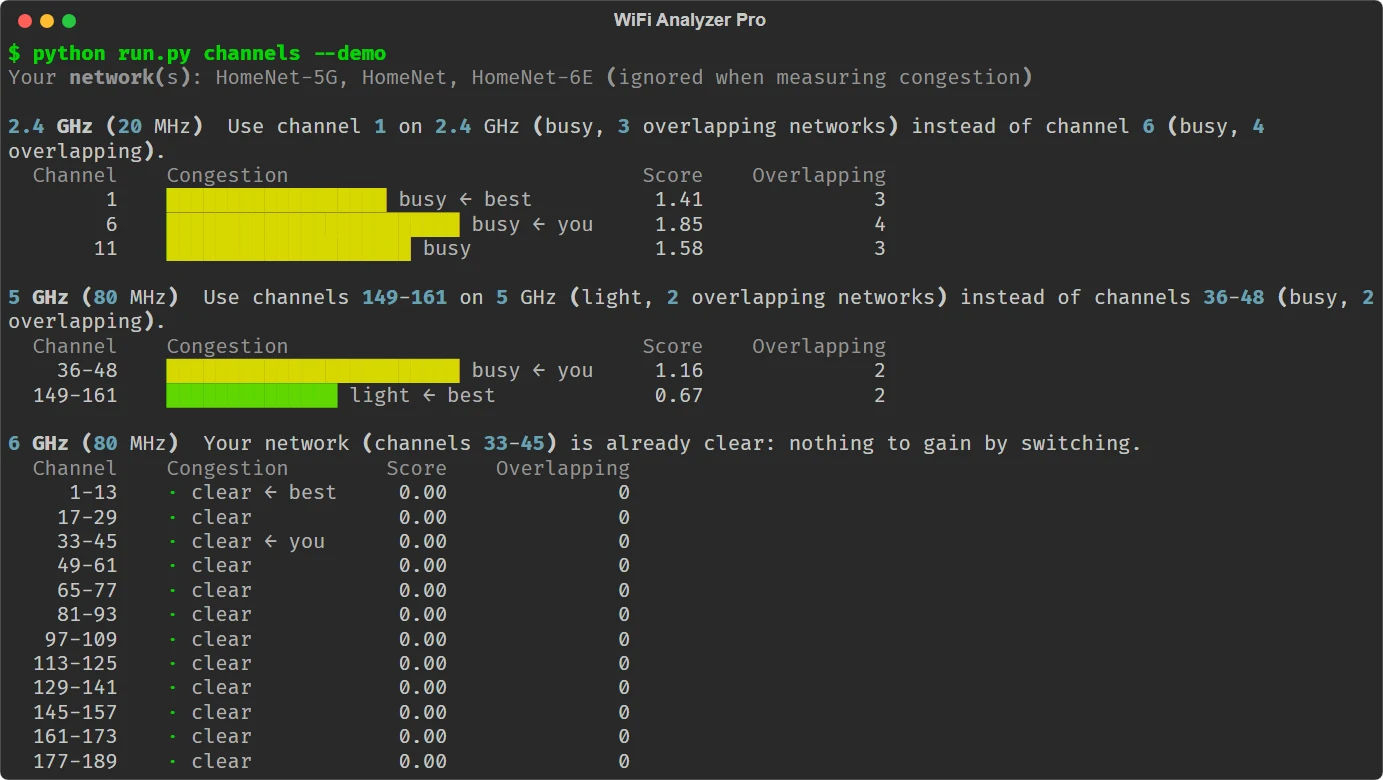
Best channel
Congestion from real channel overlap and neighbour strength, 20-160 MHz, DFS optional.
Security checkup
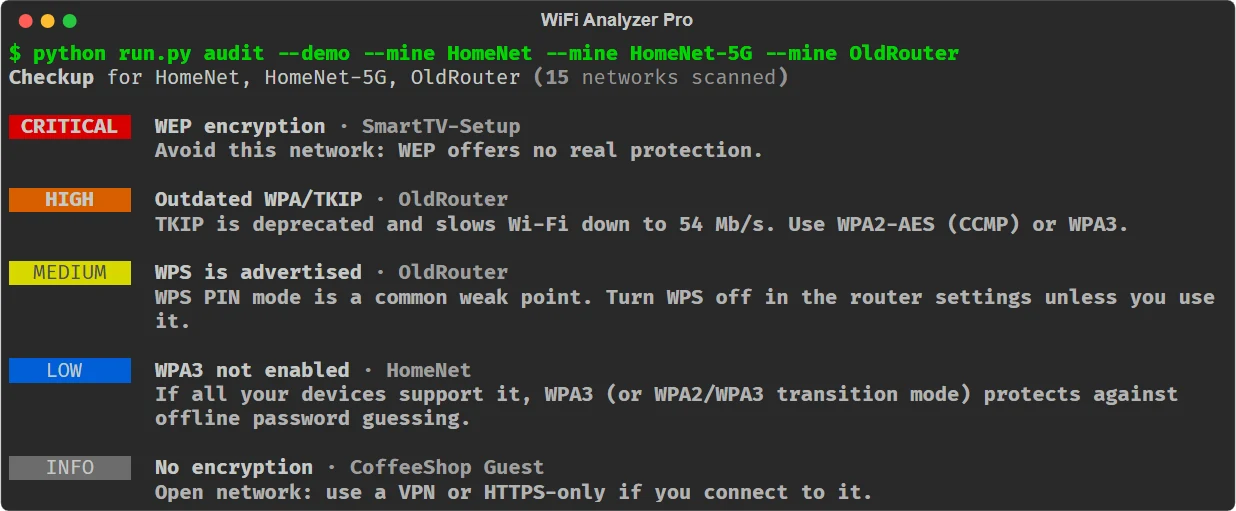
WEP, open, TKIP, WPS, missing WPA3, weak links: each with a plain-English fix.
Site survey
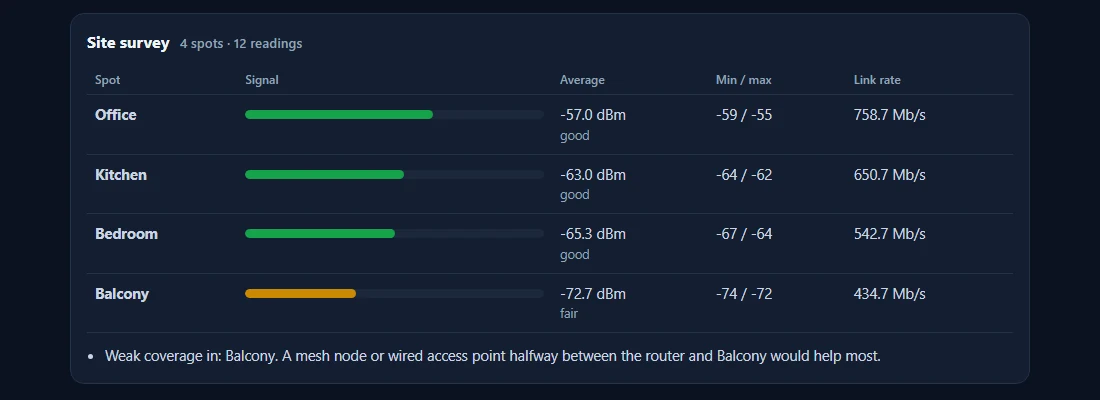
Walk your home, name each spot, find dead zones and where a mesh node would help most.
Live view + reports
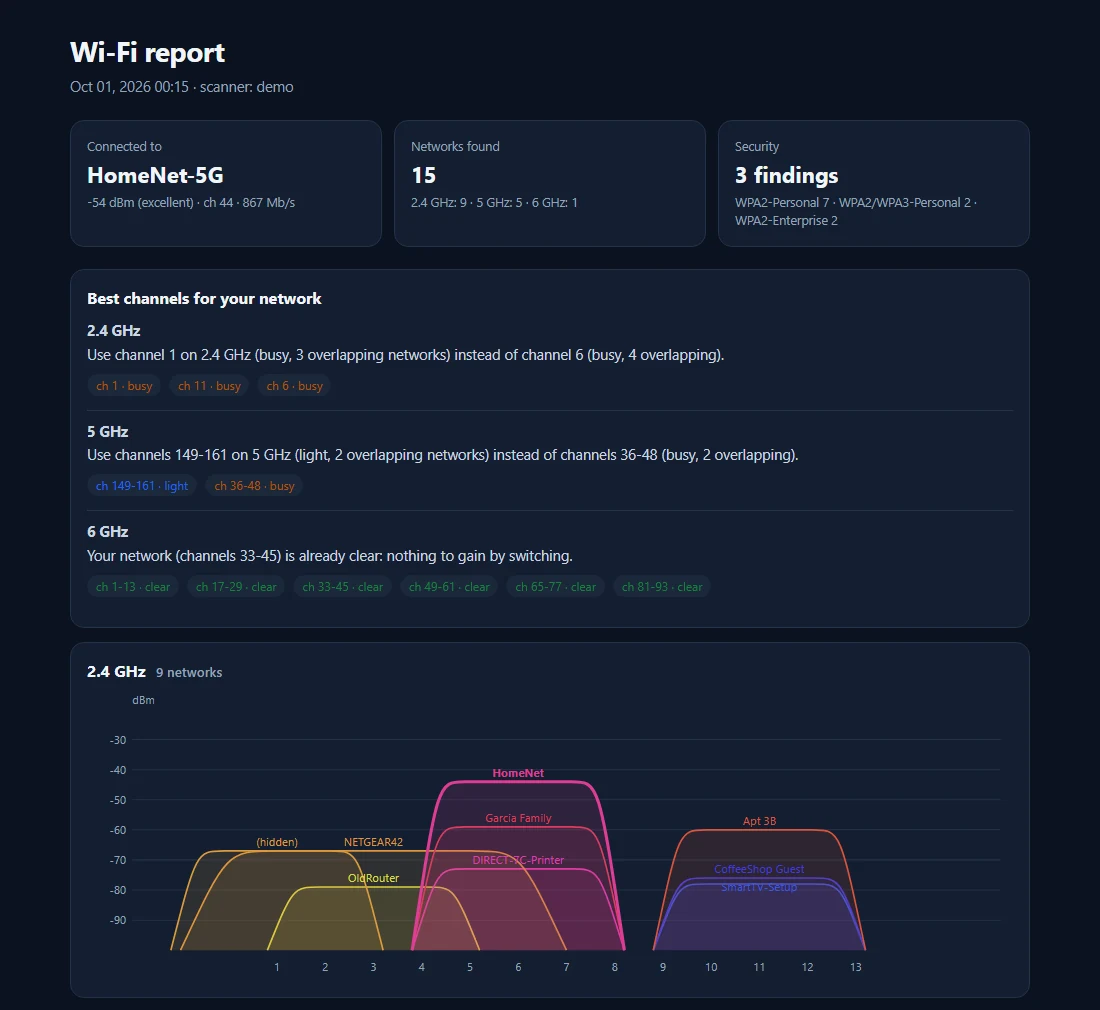
Signal trends, roaming events and an HTML report with classic channel graphs.
Router vendors
Manufacturer names from the IEEE registry, and detection of randomised addresses.
Tested
20 pytest tests with captured netsh/nmcli/macOS output and synthetic beacons.
Screenshots
Real output of the tools. Sample data is used wherever a screenshot would show private information (networks, emails, processes).
Free tutorial vs. WiFi Analyzer Pro
The tutorial is great for learning the basics. This is the version you'd actually ship.
| Free tutorial | WiFi Analyzer Pro | |
|---|---|---|
| Needs | Monitor mode + root | Any laptop, no special adapter |
| Platforms | Linux | Windows, Linux, macOS |
| Security details | Basic | WPA2/WPA3/OWE/Enterprise, PMF, WPS |
| Channel advice | — | ✓ overlap-aware, per band |
| Security checkup | — | ✓ with fixes |
| Site survey | — | ✓ room by room |
| Reports | — | HTML with channel graphs |
| Tests | — | 20 pytest tests |
A peek at the code
Clean, commented, modular Python. Here's the start of wifi_pro/analysis.py:
def congestion(aps: Iterable[AccessPoint], band: str, channels: Optional[Sequence[int]] = None,
               width: int = 20, exclude: Iterable[str] = ()) -> List[ChannelScore]:
    """Score each channel of ``band`` for a network of ``width`` MHz."""
    exclude = {e.lower() for e in exclude}
    aps = [a for a in aps if a.band == band and (a.bssid not in exclude and a.ssid.lower() not in exclude)]
    six = band == "6 GHz"
    out = []
    for ch in channels or CANDIDATES.get(band, []):
        f = channel_to_freq(ch, "6" if six else None)
        if f is None:
            continue
        if band != "2.4 GHz" and width > 20:
            start = _block_start(f, width, band)
            mine = (start, start + width)
What's inside
- Full source code (≈2,300 lines, 15 modules)
- Native Windows scanner + Linux/macOS backends
- A demo mode with a simulated neighbourhood
- README with an architecture guide
- 20 unit tests (pytest)
- Free updates + commercial-use license
Get all 5 tools for $29
The Python Tools Pro Pack includes WiFi Analyzer Pro plus our other premium tools, for $29 instead of $65 when bought one by one.
What's in the pack?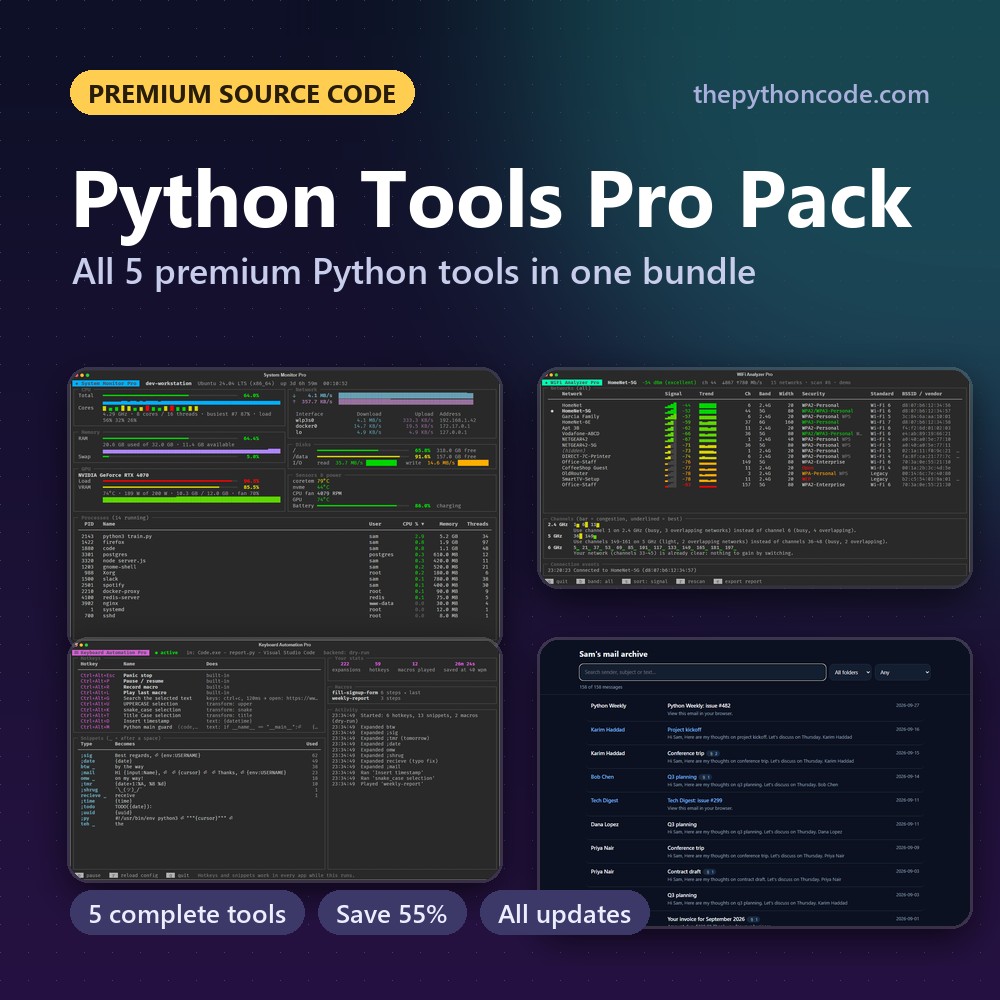
FAQ
What do I need to run it?
Python 3.8 or newer with rich. Windows 10/11 (native WLAN API), Linux with NetworkManager (nmcli) or macOS. No monitor mode, special adapter or root needed. A --demo mode lets you try everything without Wi-Fi.
How do I get the files after paying?
You're sent straight to your download page, and we email you the link too. The link keeps working, so you can re-download updated versions later. Lost it? Recover your downloads with your email.
Is this beginner-friendly?
If you've followed our free tutorial, yes. The code is split into small, commented modules, and the README walks through the architecture. It's the ideal next step after the tutorial.
Can I use it in my own projects?
Yes. You can modify it, learn from it, and ship your own tools and apps built on it, even commercially. The only thing you can't do is redistribute or resell the source code itself.
What if it's not for me?
Email us within 14 days and we'll refund you. No questions asked.
Get WiFi Analyzer Pro now
$12 one-time. Instant download, free updates.
More premium source code
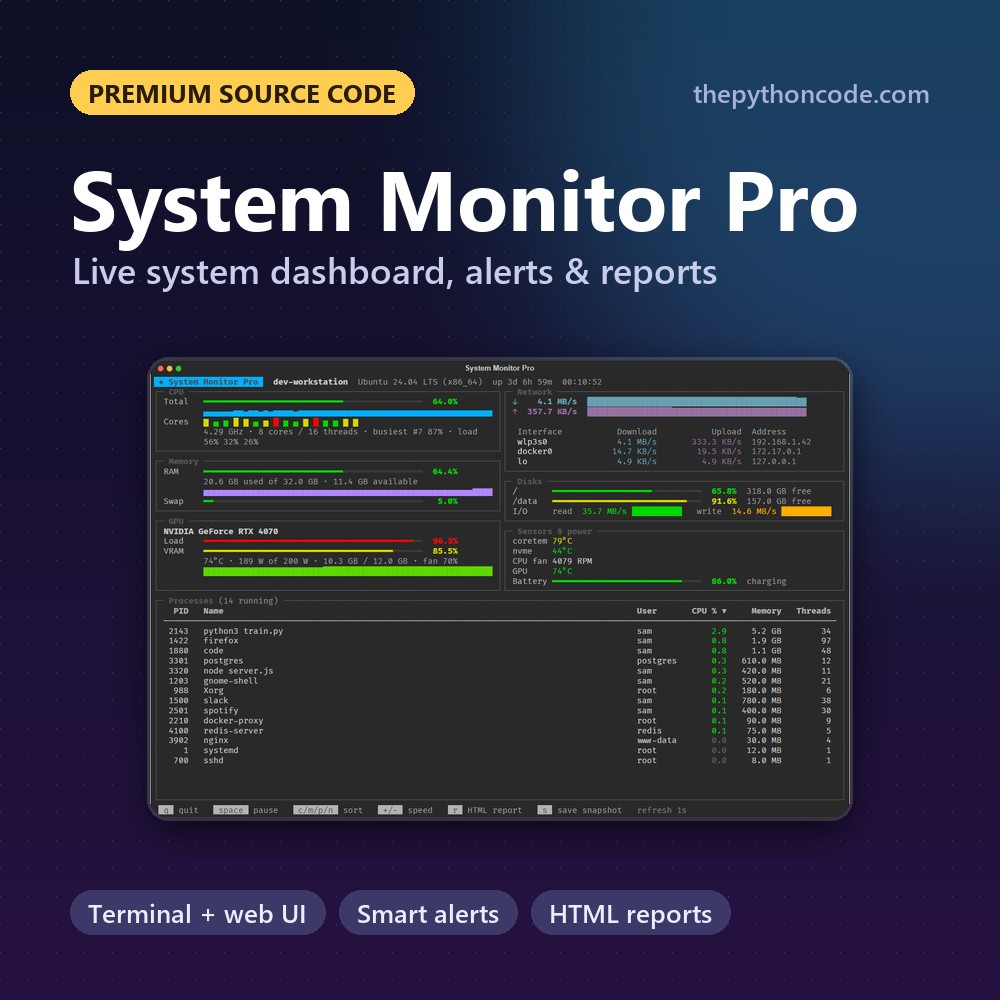
System Monitor Pro
A live system dashboard in Python: terminal and web UIs, smart alerts, recordings and HTML reports
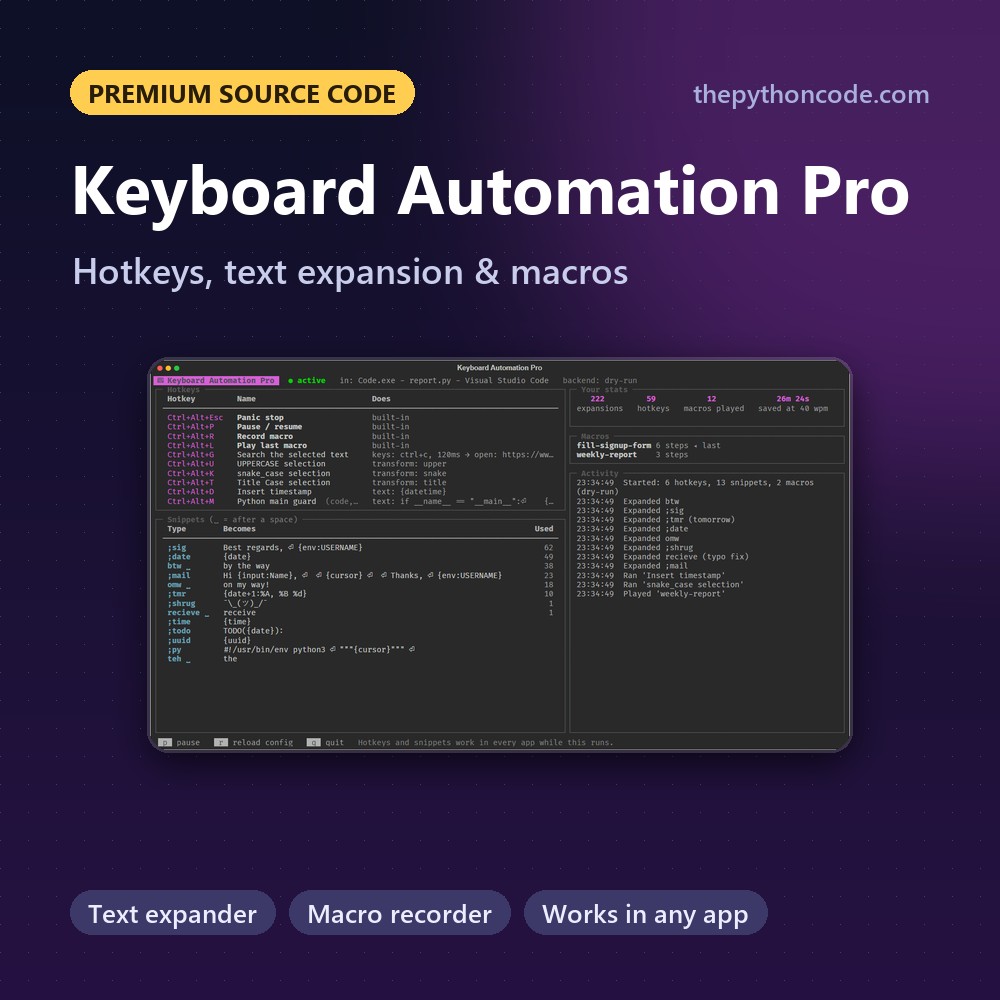
Keyboard Automation Pro
Global hotkeys, a text expander and a macro recorder in Python that work in every app
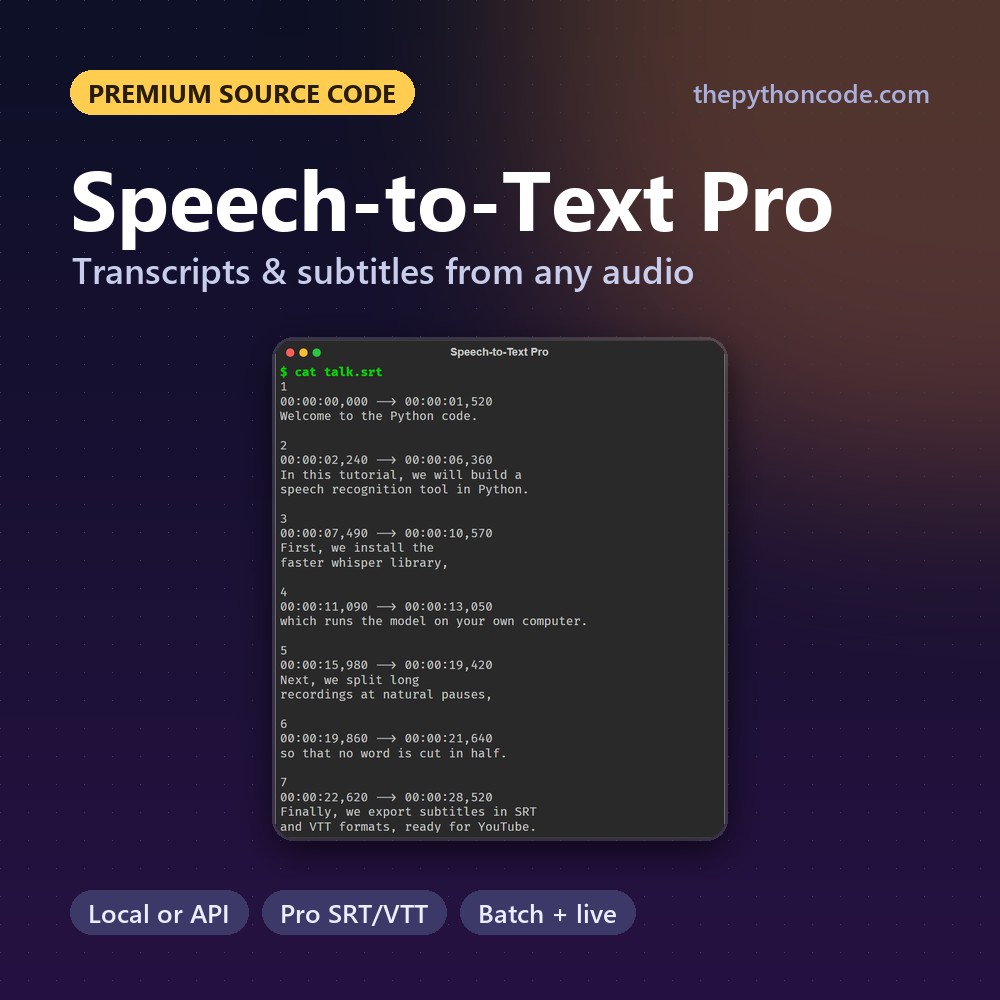
Speech-to-Text Pro
Transcripts and subtitles from any audio or video in Python, locally or with the OpenAI and Groq APIs
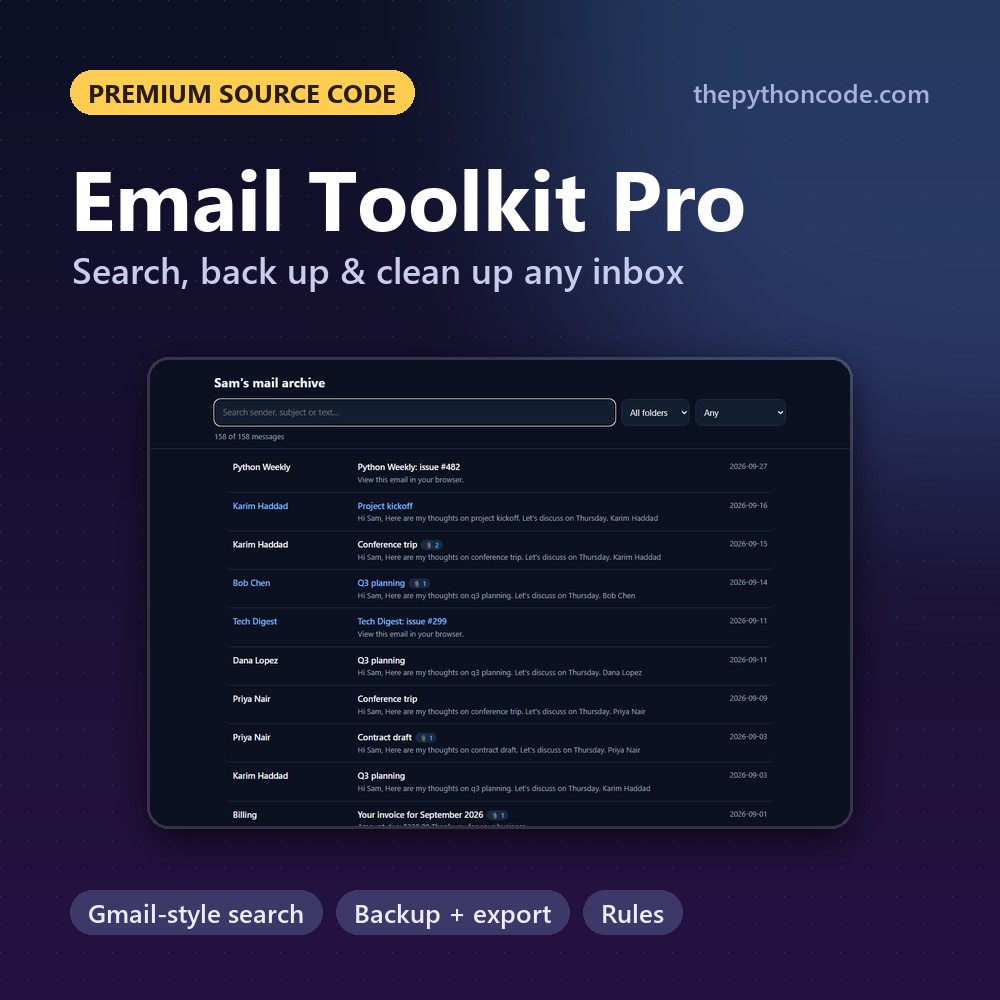
Email Toolkit Pro
Search, back up, export and clean up any IMAP mailbox in Python, with Gmail-style queries and rules

Game Dev Pro Pack
All five premium Python games in one download: Tetromino, Flappy Wings, Chess, Snake and Platformer Pro