
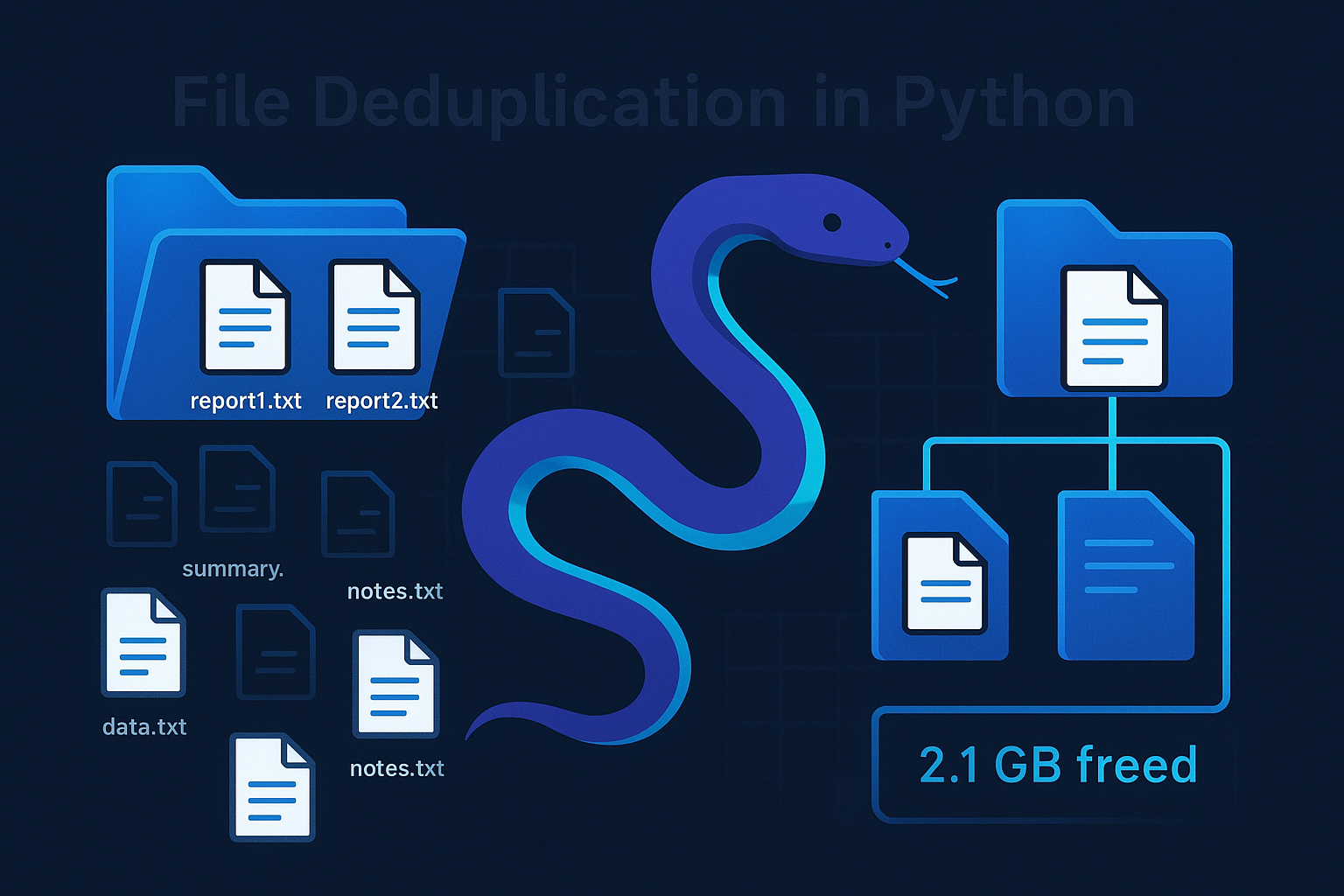
Duplicate files are a quiet plague on every computer. You download the same PDF twice, your photo backup runs create copies with slightly different names, and before you know it, gigabytes of storage are being held hostage by files you didn't even know existed twice.
Operating systems don't ship with great deduplication tools. Finder won't tell you that beach_photo.jpg in your vacation folder is byte-for-byte identical to temp_image.jpg in your downloads. And manual checking? Forget it — nobody's hashing files by hand.
So we're going to build one ourselves. By the end of this tutorial, you'll have a Python script that scans any directory, finds every duplicate file by cryptographic hash, and tells you exactly how much space you're wasting — all with a polished terminal interface powered by Rich.
How Deduplication Actually Works
Before writing code, let's get the strategy straight. You can't just compare filenames — duplicates rarely share names. You can't compare modification dates — copies get touched at different times. The only thing that's guaranteed to match? The actual content bytes.
The algorithm is straightforward but smart about performance:
- First pass: group by file size. If two files have different sizes, they can't be duplicates. Hashing is expensive, so we only hash files that share a size with at least one other file. This eliminates the vast majority of comparisons.
- Second pass: hash by SHA256. For files that passed the size filter, we compute a SHA256 hash. Files with identical hashes are byte-for-byte duplicates — no false positives.
- Report. Group duplicates together, calculate wasted space, and present everything in a readable table.
This two-pass approach means we only hash the tiny fraction of files that could possibly be duplicates. On a typical disk, that's less than 1% of files.
Setting Up
We need one external library — Rich, for beautiful terminal output. The rest is all standard library:
pip install richNow create a new Python file — I'll call mine dedup_tool.py. Start with the imports:
import hashlib
import os
from pathlib import Path
from collections import defaultdict
from typing import Dict, List, Tuple
from rich.console import Console
from rich.table import Table
from rich.progress import Progress, SpinnerColumn, BarColumn, TextColumn, TaskProgressColumn
from rich.panel import Panel

console = Console()
The Hash Function
SHA256 is our workhorse. It's cryptographically secure — the chance of two different files producing the same hash is mathematically negligible. If you're new to hashing in Python, we have a dedicated guide to Python's hashlib module that covers MD5, SHA256, SHA512, and when to use each one. Here's the function that reads a file in chunks and produces its hash:
def get_file_hash(filepath: Path, chunk_size: int = 8192) -> str:
    """Calculate SHA256 hash of a file efficiently."""
    sha256 = hashlib.sha256()
    try:
        with open(filepath, "rb") as f:
            while chunk := f.read(chunk_size):
                sha256.update(chunk)
        return sha256.hexdigest()
    except (PermissionError, OSError) as e:
        return f"ERROR:{e}"
Reading in 8KB chunks means we can hash multi-gigabyte files without loading them entirely into memory. The walrus operator (:=) keeps the loop concise — it reads a chunk and checks if it's non-empty in a single expression.
The Scanner: Two-Pass Deduplication
This is the heart of the tool. scan_directory() walks a directory tree and returns a mapping of hashes to file paths:
def scan_directory(root_dir: Path, min_size: int = 1) -> Tuple[Dict[str, List[Path]], int, int]:
    """
    Scan directory and group files by SHA256 hash.
    Returns (hash->files mapping, total_files, total_size).
    """
    size_groups: Dict[int, List[Path]] = defaultdict(list)
    total_files = 0
    total_size = 0

    # First pass: group by file size (fast pre-filter)
    for filepath in root_dir.rglob("*"):
        if filepath.is_file() and not filepath.is_symlink():
            try:
                fsize = filepath.stat().st_size
                if fsize >= min_size:
                    size_groups[fsize].append(filepath)
                    total_files += 1
                    total_size += fsize
            except OSError:
                continue

    # Second pass: hash only files that share a size with another file
    hash_map: Dict[str, List[Path]] = defaultdict(list)

    with Progress(
        SpinnerColumn(),
        TextColumn("[progress.description]{task.description}"),
        BarColumn(),
        TaskProgressColumn(),
        console=console,
    ) as progress:

        files_to_hash = sum(
            len(files) for files in size_groups.values() if len(files) > 1
        )

        if files_to_hash == 0:
            return hash_map, total_files, total_size

        task = progress.add_task("[cyan]Hashing files...", total=files_to_hash)

        for fsize, files in size_groups.items():
            if len(files) > 1:  # Only hash if there could be duplicates
                for filepath in files:
                    file_hash = get_file_hash(filepath)
                    hash_map[file_hash].append(filepath)
                    progress.advance(task)

    return hash_map, total_files, total_size
Pay attention to the performance trick here. rglob("*") walks the entire tree recursively. But instead of hashing every file immediately, we first bucket files by size. A 1KB file can never be a duplicate of a 1GB file, so we skip hashing any file whose size appears only once in the directory. The Rich progress bar (Progress) shows exactly how many files remain to process, which is essential when scanning tens of thousands of files.
Now a simple filter to extract only the duplicates from our hash map:
def find_duplicates(hash_map: Dict[str, List[Path]]) -> List[Tuple[str, List[Path]]]:
    """Filter hash map to entries where 2+ files share the same hash."""
    return [(h, files) for h, files in hash_map.items() if len(files) > 1]
Pretty Printing with Rich
Raw data isn't useful without a good display layer. Let's build the output function that turns our duplicate data into something you'd actually want to look at:
def format_size(size_bytes: int) -> str:
    """Format bytes to human-readable string."""
    for unit in ["B", "KB", "MB", "GB"]:
        if size_bytes < 1024:
            return f"{size_bytes:.1f} {unit}"
        size_bytes /= 1024
    return f"{size_bytes:.1f} TB"

def display_results(
    duplicates: List[Tuple[str, List[Path]]],
    total_files: int,
    total_size: int,
    root_dir: Path
):
    """Display duplicate file findings in a Rich table."""

    if not duplicates:
        console.print(Panel(
            f"[green]No duplicate files found in [bold]{root_dir}[/bold]![/green]",
            title="Scan Complete"
        ))
        return

    # Calculate stats
    wasted_files = sum(len(files) - 1 for _, files in duplicates)
    wasted_bytes = 0
    for _, files in duplicates:
        file_size = files[0].stat().st_size
        wasted_bytes += file_size * (len(files) - 1)

    # Summary panel
    summary = Table.grid(padding=(0, 2))
    summary.add_column(style="bold cyan", justify="right")
    summary.add_column(style="white")
    summary.add_row("Directory scanned:", str(root_dir))
    summary.add_row("Total files:", f"{total_files:,}")
    summary.add_row("Total size:", format_size(total_size))
    summary.add_row("Duplicate groups:", f"[yellow]{len(duplicates)}[/yellow]")
    summary.add_row("Wasted files:", f"[red]{wasted_files}[/red]")
    summary.add_row("Wasted space:", f"[red bold]{format_size(wasted_bytes)}[/red bold]")

    console.print(Panel(summary, title="Scan Summary", border_style="blue"))

    # Duplicate groups table
    table = Table(title="Duplicate Files Found", show_lines=True)
    table.add_column("Group", style="cyan", width=6)
    table.add_column("File Path", style="white")
    table.add_column("Size", style="yellow", width=12)
    table.add_column("Status", width=10)

    for i, (file_hash, files) in enumerate(duplicates, 1):
        file_size = format_size(files[0].stat().st_size)

        for j, fpath in enumerate(files):
            rel_path = str(fpath.relative_to(root_dir))
            status = "[green]KEEP[/green]" if j == 0 else "[red]DUPLICATE[/red]"
            table.add_row(
                str(i) if j == 0 else "",
                rel_path,
                file_size if j == 0 else "",
                status
            )

    console.print(table)

    # Recommendation
    console.print(Panel(
        f"[yellow]To reclaim [bold]{format_size(wasted_bytes)}[/bold], review the [red]DUPLICATE[/red] "
        f"files above and delete the copies you don't need. "
        f"Keep one copy in each group ([green]KEEP[/green]).[/yellow]",
        title="Recommendation",
        border_style="yellow"
    ))
The format_size helper converts raw byte counts into human-friendly strings — nobody wants to read "105012 bytes." The summary panel gives you the big picture at a glance, and the duplicate table groups identical files together so you can decide which copy to keep. The first file in each group is marked KEEP (green) while the rest are flagged DUPLICATE (red).
Notice the relative_to(root_dir) call — this strips the absolute path prefix, making the output much more readable.
Putting It All Together
The main function ties everything together with a test setup so you can see the tool in action immediately:
import shutil
import random

def setup_test_files(base_dir: str = "test_files"):
    """Create a realistic directory structure with deliberate duplicates."""
    if Path(base_dir).exists():
        shutil.rmtree(base_dir)

    Path(base_dir).mkdir(exist_ok=True)

    dirs = ["photos", "documents", "downloads", "photos/vacation", "documents/old"]
    for d in dirs:
        Path(base_dir, d).mkdir(parents=True, exist_ok=True)

    random.seed(42)

    # Create 30 unique files of varying sizes
    file_records = []
    for i in range(30):
        size = random.choice([1024, 5120, 10240, 51200, 102400])
        content = os.urandom(size)
        folder = random.choice(dirs)
        ext = random.choice([".txt", ".jpg", ".png", ".pdf", ".docx", ".csv"])
        name = f"file_{i:03d}{ext}"
        file_records.append((folder, name, content))

    # Plant duplicates: (source_index, duplicate_folder, duplicate_name)
    duplicate_plan = [
        (0, "photos/vacation", "beach_photo.jpg"),
        (0, "downloads", "temp_image.jpg"),       # triplicate!
        (5, "documents/old", "old_report.pdf"),
        (10, "downloads", "budget_backup.csv"),
        (15, "photos", "profile_pic_copy.png"),
        (20, "documents/old", "archived_notes.docx"),
    ]

    for orig_idx, dup_folder, dup_name in duplicate_plan:
        folder, name, content = file_records[orig_idx]
        Path(base_dir, dup_folder).mkdir(parents=True, exist_ok=True)
        Path(base_dir, dup_folder, dup_name).write_bytes(content)

    # Write all original files
    for folder, name, content in file_records:
        Path(base_dir, folder, name).write_bytes(content)

    return base_dir

def main():
    """Main entry point — scan for duplicates and display results."""

    # Setup test files
    console.print("[bold]Setting up test files...[/bold]")
    test_dir = setup_test_files("test_files")

    # Scan for duplicates
    console.print("[bold]Scanning for duplicates...[/bold]\n")
    hash_map, total_files, total_size = scan_directory(Path(test_dir))
    duplicates = find_duplicates(hash_map)

    # Display results
    display_results(duplicates, total_files, total_size, Path(test_dir))

if __name__ == "__main__":
    main()
Run it:
python dedup_tool.pyAnd here's what you should see:
              📊 Scan Summary
 Directory scanned:  test_files
       Total files:  36
        Total size:  1.1 MB
  Duplicate groups:  5
      Wasted files:  6
      Wasted space:  105.0 KB

                    🔍 Duplicate Files Found
┌───────┬──────────────────────────────────────┬──────────────┬────────────┐
│ Group │ File Path                            │ Size         │ Status     │
├───────┼──────────────────────────────────────┼──────────────┼────────────┤
│ 1     │ photos/file_000.csv                  │ 1.0 KB       │ KEEP       │
│       │ photos/vacation/beach_photo.jpg      │              │ DUPLICATE  │
│       │ downloads/temp_image.jpg             │              │ DUPLICATE  │
├───────┼──────────────────────────────────────┼──────────────┼────────────┤
│ 2     │ photos/file_020.csv                  │ 1.0 KB       │ KEEP       │
│       │ documents/old/archived_notes.docx    │              │ DUPLICATE  │
├───────┼──────────────────────────────────────┼──────────────┼────────────┤
│ 3     │ documents/file_005.jpg               │ 1.0 KB       │ KEEP       │
│       │ documents/old/old_report.pdf         │              │ DUPLICATE  │
├───────┼──────────────────────────────────────┼──────────────┼────────────┤
│ 4     │ documents/file_010.csv               │ 1.0 KB       │ KEEP       │
│       │ downloads/budget_backup.csv          │              │ DUPLICATE  │
├───────┼──────────────────────────────────────┼──────────────┼────────────┤
│ 5     │ photos/profile_pic_copy.png          │ 100.0 KB     │ KEEP       │
│       │ downloads/file_015.txt               │              │ DUPLICATE  │
└───────┴──────────────────────────────────────┴──────────────┴────────────┘

            Recommendation
 To reclaim 105.0 KB, review the DUPLICATE files
 above and delete the copies you don't need.
Five duplicate groups discovered, including one triplicate where file_000.csv was copied to both beach_photo.jpg and temp_image.jpg. The tool correctly identifies all of them by content hash, completely ignoring the misleading filenames.
Using It on a Real Directory
The test setup is just for demonstration. To scan a real directory, replace the main() call with:
if __name__ == "__main__":
    import sys
    target = sys.argv[1] if len(sys.argv) > 1 else "."

    console.print(f"[bold]Scanning [cyan]{target}[/cyan] for duplicates...[/bold]\n")
    hash_map, total_files, total_size = scan_directory(Path(target))
    duplicates = find_duplicates(hash_map)
    display_results(duplicates, total_files, total_size, Path(target))
Then run:
python dedup_tool.py ~/DocumentsPerformance Considerations
Let's talk about what makes this tool fast — and where it could be even faster:
| Technique | What It Does | Impact |
|---|---|---|
| Size pre-filter | Only hashes files that share a byte count with another file | Eliminates ~99% of hashing work on a typical drive |
| Chunked reading | Reads files in 8KB chunks instead of all at once | Hashes multi-GB files without memory pressure |
| Early skip | Symlinks are skipped entirely | Avoids counting the same file twice |
| Rich progress bar | Shows real-time hashing progress | Keeps you sane during large scans |
If you're scanning truly massive directories (millions of files), you'd want to add parallel hashing with concurrent.futures or switch to BLAKE3 (faster than SHA256 and still cryptographically secure). But for 99% of use cases, this single-threaded implementation with size pre-filtering is already plenty fast.
One subtlety worth mentioning: we skip empty files (0 bytes) since they'll all hash to the same value and flood your results with noise. If you care about those, set min_size=0 in the call to scan_directory().
Extending the Tool
Once you've got the core working, there are several natural extensions:
- Auto-delete mode: Add a
--deleteflag that automatically removes duplicates, keeping only the first copy in each group. - Symbolic link replacement: Instead of deleting duplicates, replace them with symlinks to the original. This preserves directory structure while freeing space.
- Export report: Write the duplicate report to CSV or JSON for integration with other tools.
- Interactive mode: Let the user select which copy to keep in each group using arrow keys.
- Minimum file size filter: Skip tiny files where the disk overhead of the duplicate is negligible.
Wrapping Up
You now have a working file deduplication tool that you can point at any directory on your system. The two-pass size-then-hash approach keeps it fast, and Rich makes the output genuinely pleasant to read.
What I like about this project is that it teaches a pattern you'll reuse constantly: pre-filter cheaply, then verify expensively. The same idea applies to database query planning, network packet inspection, and just about any problem where the expensive operation (hashing) dominates the runtime.
The complete code is available below — drop it into a .py file, pip install rich, and start reclaiming your disk space.
Further Reading:
- How to Use Hash Algorithms in Python using hashlib — a deeper dive into SHA256, MD5, SHA512 and more
- Rich Documentation — Tables, progress bars, panels, and more
- BLAKE3 — A faster alternative to SHA256 for non-cryptographic deduplication
Got a coding query or need some guidance before you comment? Check out this Python Code Assistant for expert advice and handy tips. It's like having a coding tutor right in your fingertips!